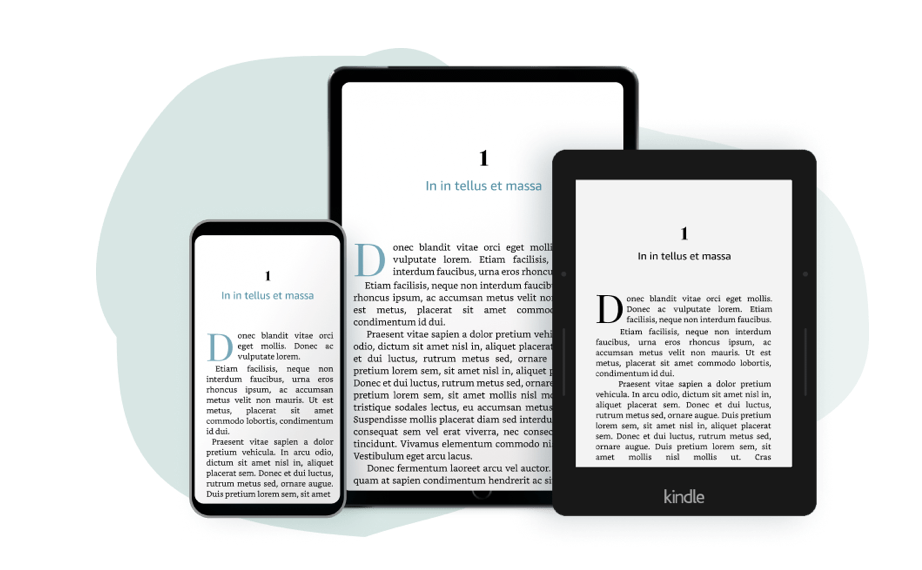
Set up your ebook or paperback faster without starting from a blank Kindle Create project.
The Kindle Create Templates give you two ready-to-use project files, one for fiction and one for nonfiction, so you can format your book for KDP with more structure from the beginning.
You’ll receive:
A Fiction Kindle Create Template with front matter, chapter setup, sample Chapter 1 formatting, and back matter.
A Nonfiction Kindle Create Template with front matter, introduction, chapter setup, sample Chapter 1 formatting, and back matter.
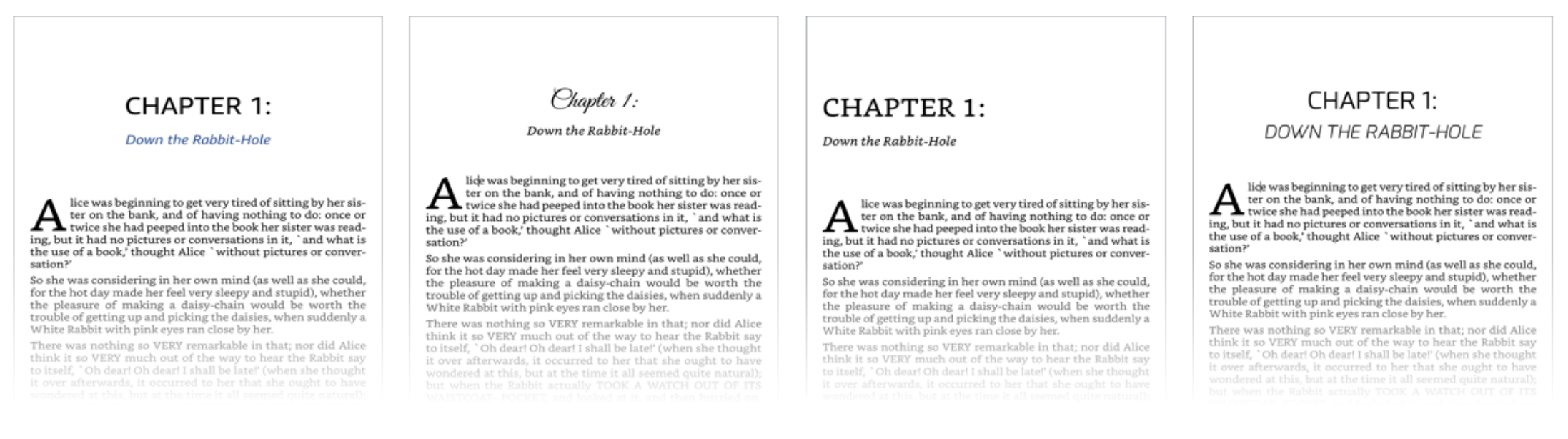
Each template includes example formatting you can edit, delete, or duplicate as needed, including chapter styling, drop cap formatting, separators, hyperlinks, and other Kindle Create elements.
These templates are designed for authors who want to use Kindle Create but do not want to set up every section from scratch.
These are Kindle Create project templates. You must use Amazon’s free Kindle Create software to open, edit, preview, and export your finished book file.
This is not an official Amazon or KDP product. These templates were created by Stefanie Newell to help authors format fiction and nonfiction books for KDP.
Fiction Kindle Create Template
Nonfiction Kindle Create Template
README PDF with setup instructions
Sample Chapter 1 formatting
Pre-set chapters you can edit, delete, or duplicate
Front matter and back matter sections
Tutorial link
Format your ebook or paperback in minutes, not hours.